Welcome! We can’t wait to see what you create.
You will receive an email to with your order confirmation and login instructions within 5 minutes.
If is incorrect please send me an email to alex@startletsgetcreative.com and I will update your email address so that you can access the course.
Before you get started...
Your Course Login Details Are Below:
This is what will happen next:
- Your account is being created right now - this typically takes 2-3 minutes
- Once your account is created you will receive an invitation to join the course from noreply@skool.com with "Lets Get Creative" in the subject - be sure to check promo/spam folders if you don't see an email
- Follow the steps below to login (also shared via email):
Step 1: Check your email for the invitation to join the course. Open the email and click "Join Now".
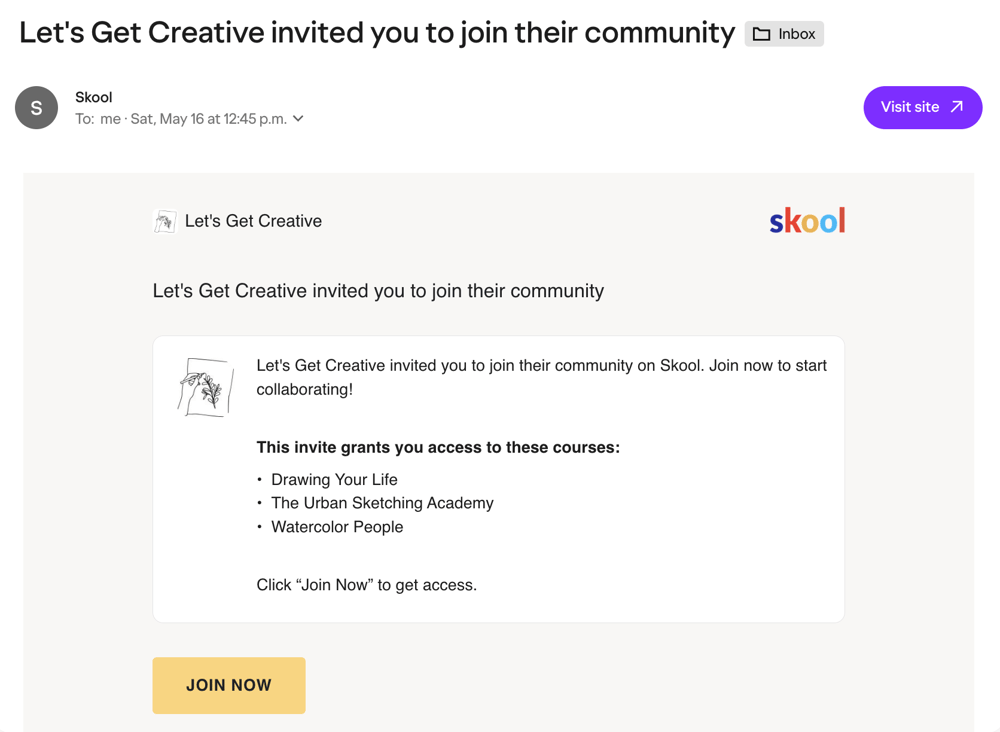
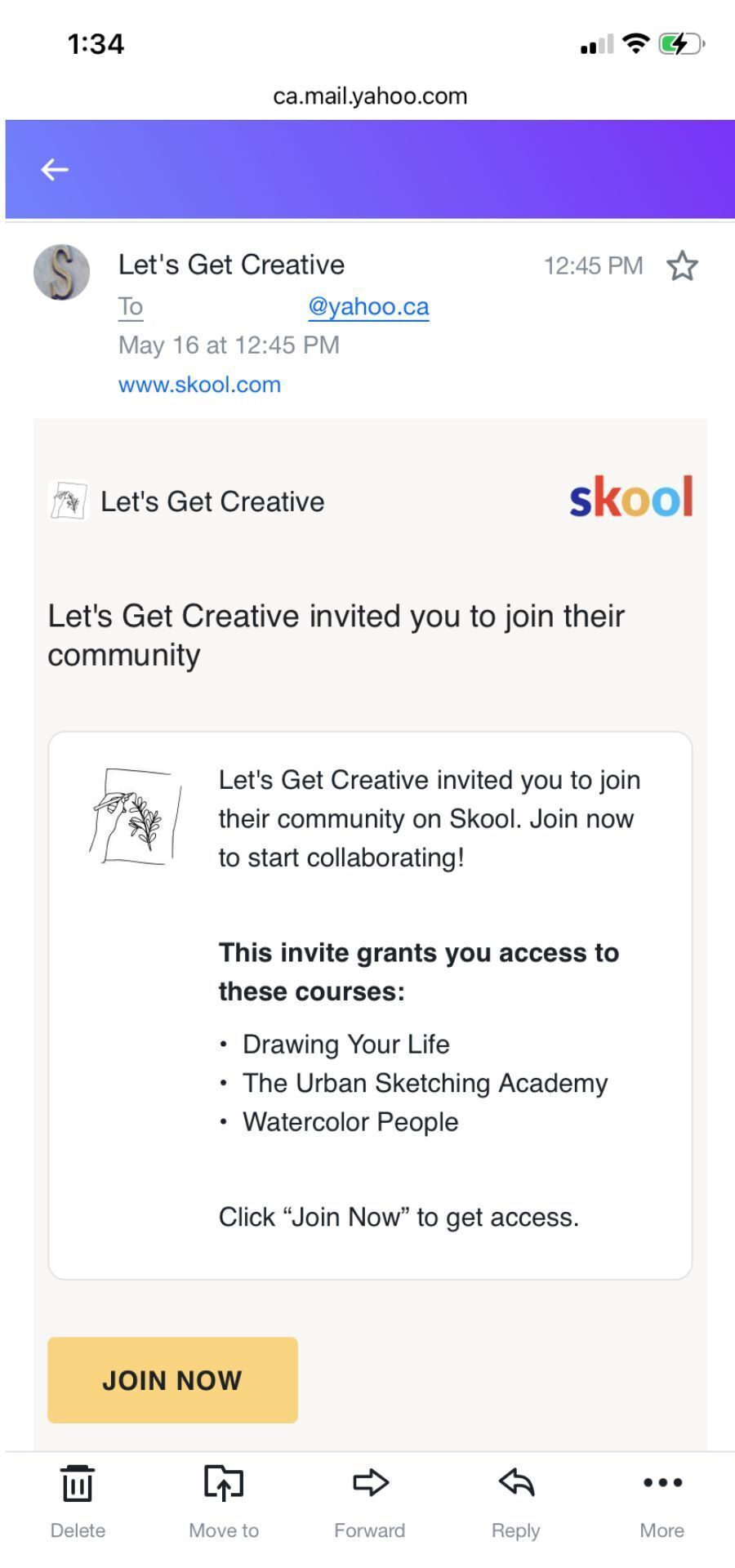
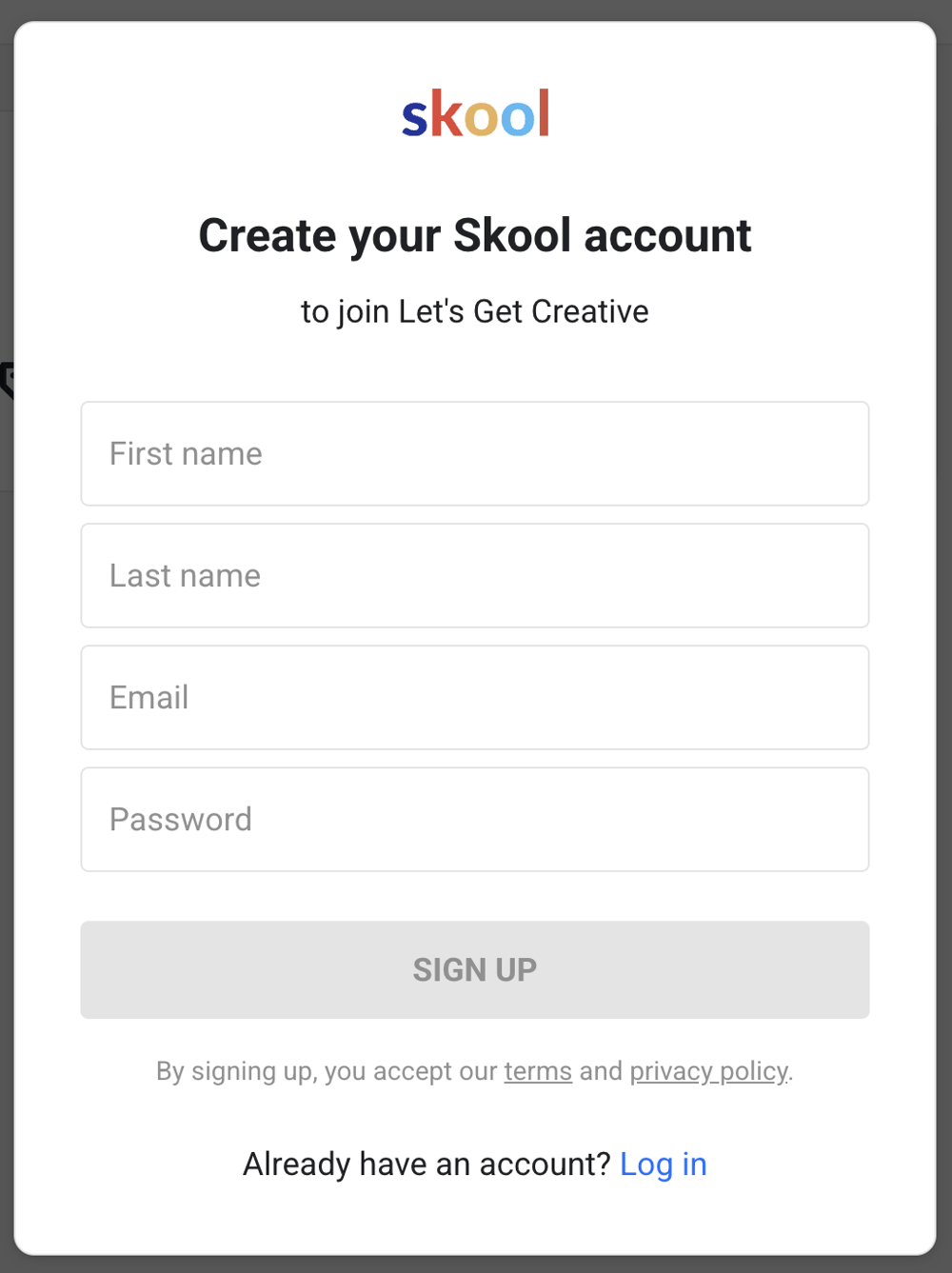
Step 2: Once on the Skool course website, create an account using the same email you used to purchase the course
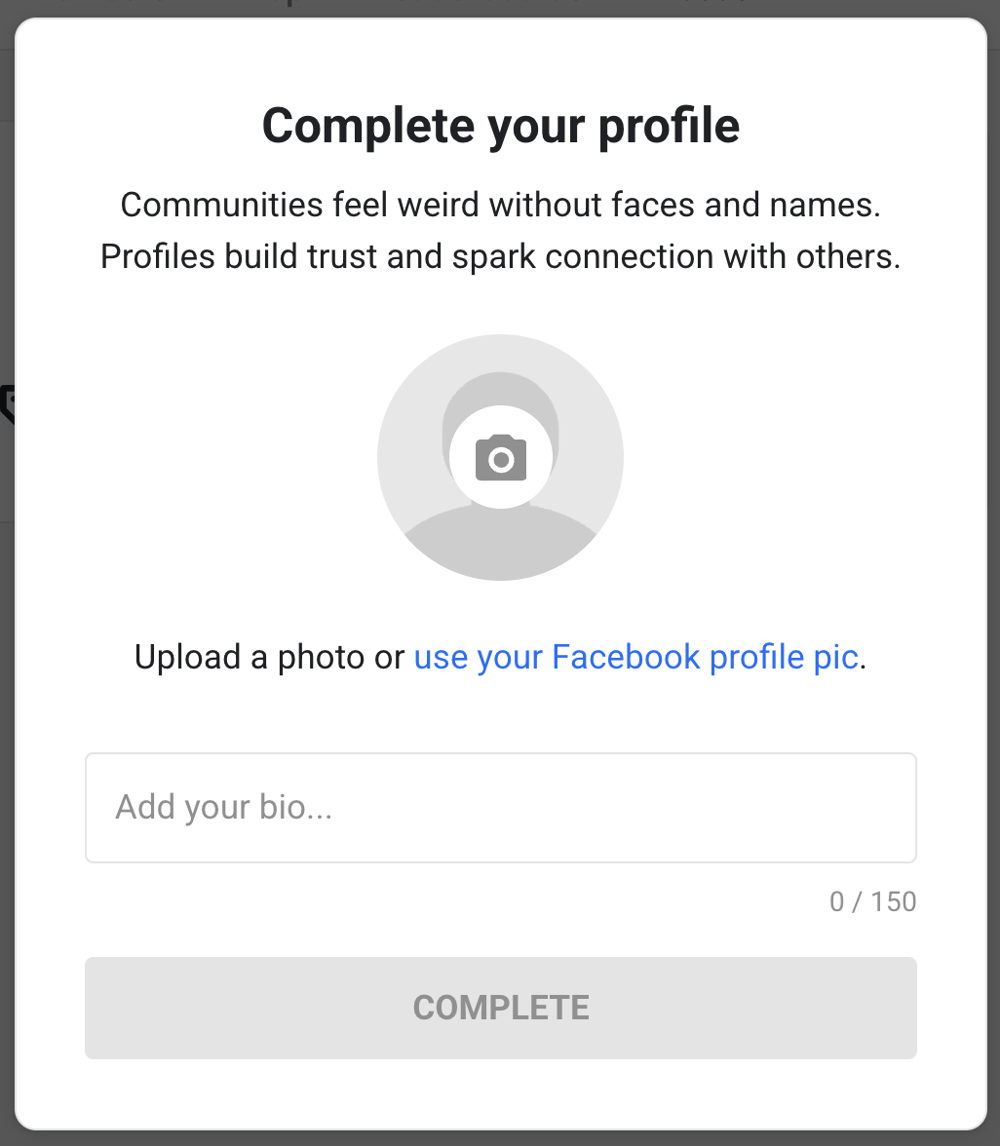
Step 3: Complete your account setup with a picture and a brief bio
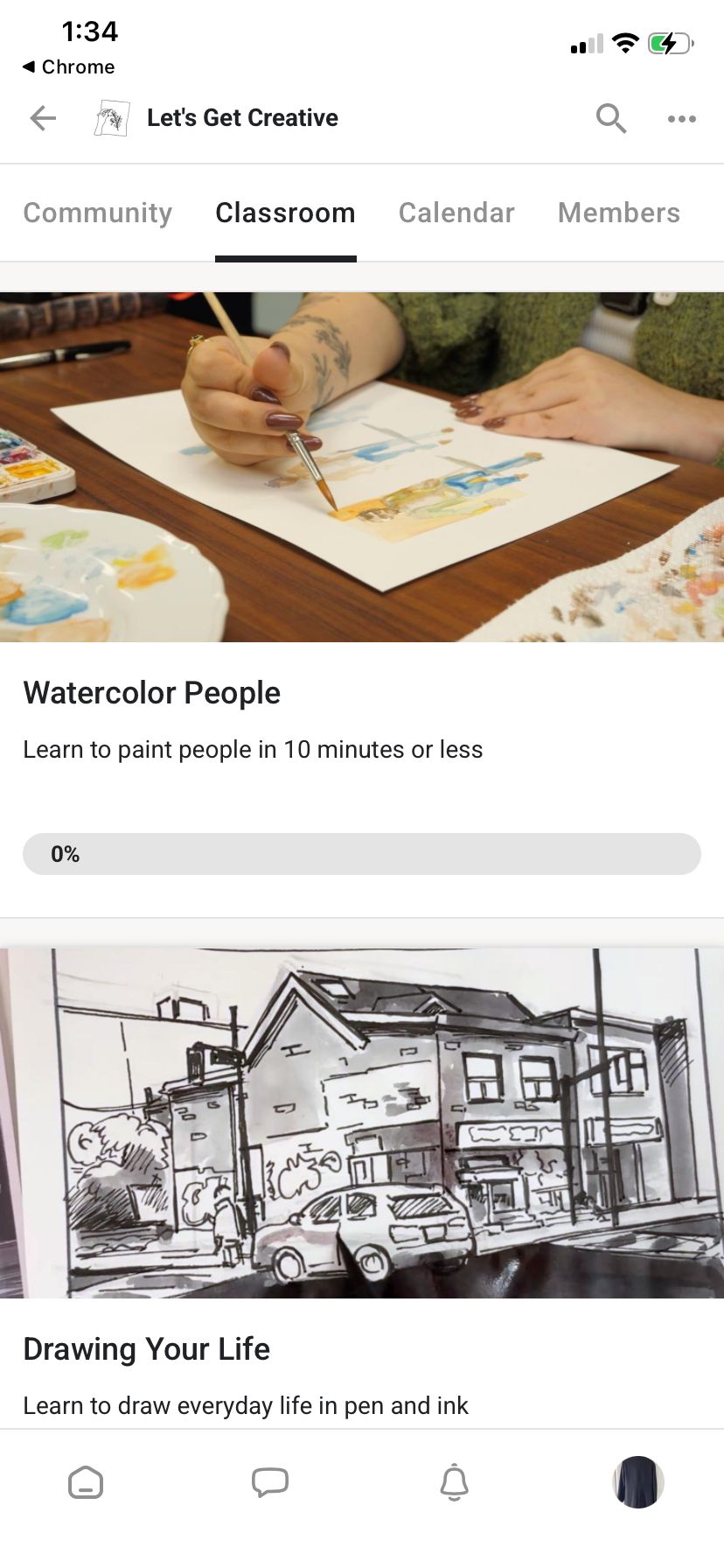
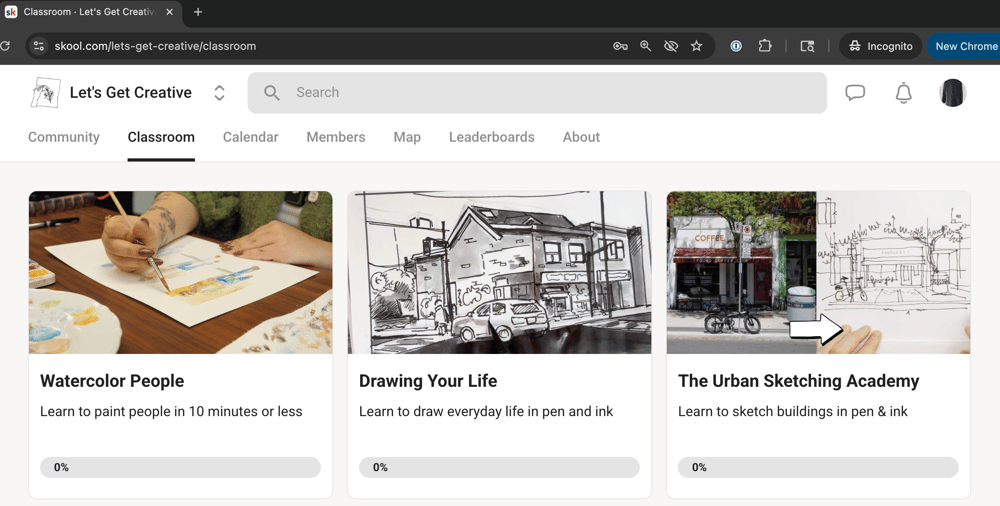
Step 4: Once logged in, click on the course to access the material
That's it! I look forward to seeing you inside the course.
If you have any questions or have trouble logging in feel free to reach out to: alex@startletsgetcreative.com and I will help you out.
Copyright 2025 - All Rights Reserved - Terms of Service - Privacy Policy
This site is not a part of the Facebook or Instagram websites or Meta Platforms Inc. Additionally, This site is NOT endorsed by Meta in any way.
FACEBOOK and INSTAGRAM are trademarks of Meta Platforms Inc.